Commercial Design Software
From 2D plans to client-ready presentations, Cedreo helps you design commercial spaces faster.
How to Use Cedreo Design Software for Commercial Projects
Use Cedreo to go from your first layout to client sign-off without the usual back-and-forth.
Do it in these 3 steps, even with zero 3D design experience.
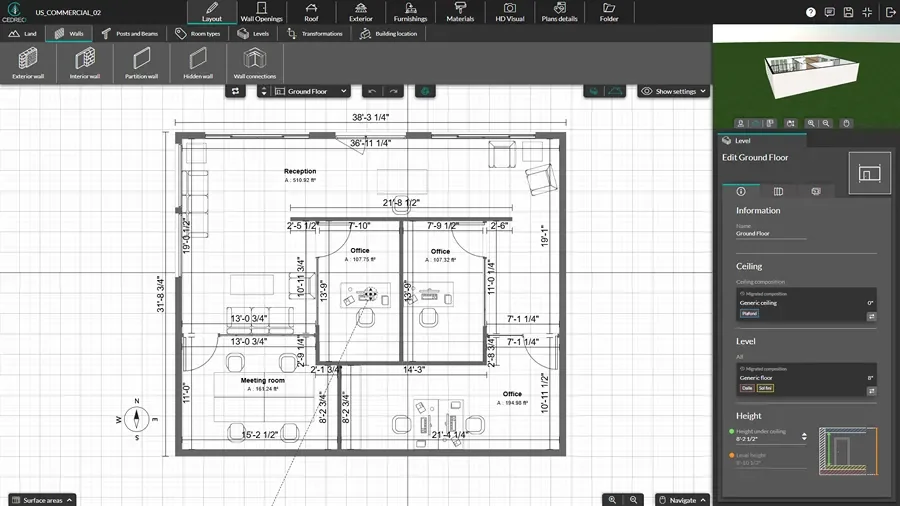
Draw the Floor Plan
Start with an accurate 2D layout as the foundation of everything that follows.
- Import an existing plan, set the scale, and trace over it (or draw from scratch).
- Drop doors and windows into place and adjust sizes as needed.
- Add symbols for furniture and fixtures.
- Click and drag walls to adjust the size of the entire layout without manual redrawing.
Choose Materials & Furnish
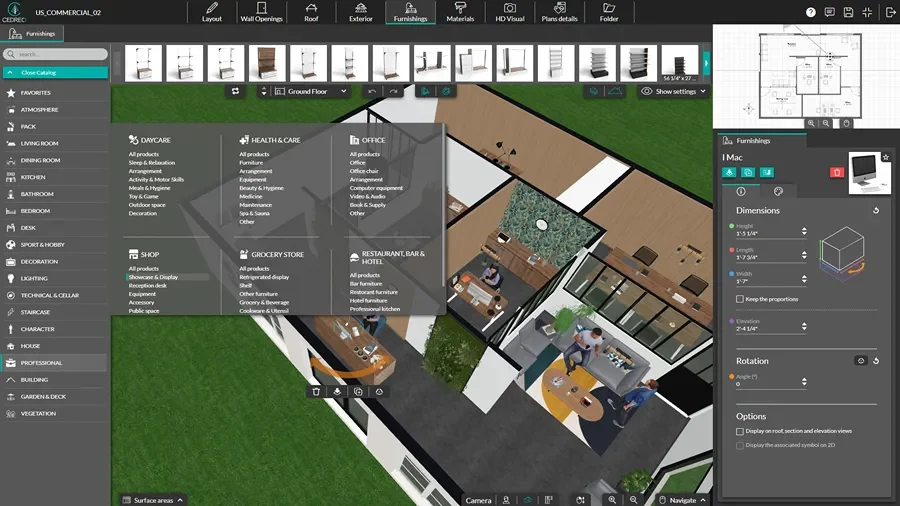
Build smart furniture layouts and polished interior designs to explore options with your clients.
- Select objects from the 3D library (furniture, fixtures, decor, lighting) and place them in the plan.
- Apply materials and colors to floors and walls to match the space’s style goals.
- Adjust object sizes, spacing, and orientation as needed.
Generate 3D Renderings
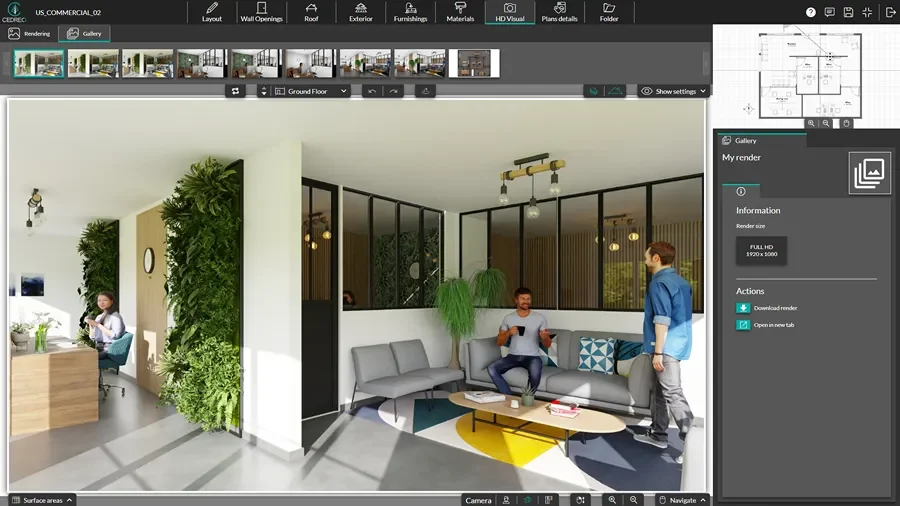
Turn your drawings into visuals that help clients feel confident about the plan, so it’s easier for them to say yes.
- Choose your camera angles and adjust lighting settings (day or night, plus sun orientation).
- Request a rendering and it’s ready in 5 minutes.
- Export renderings as images or add them to presentation documents within Cedreo.
2D Floor Plans for Commercial Projects
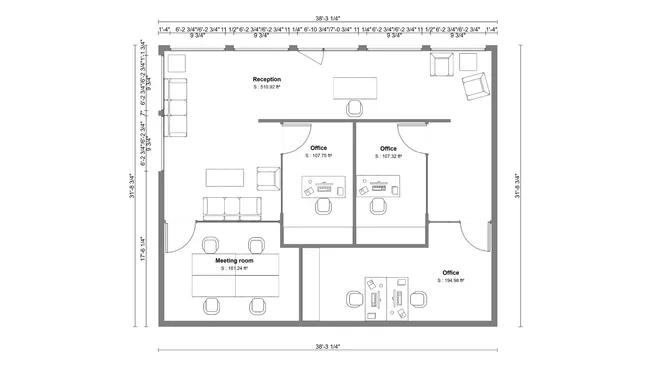
A clean 2D floor plan gives commercial interior design projects a clear starting point for space planning, drawings, and 3D visuals.
- Room labels and zones: Use Cedreo’s room labeling tools to define front-of-house, back-of-house, storage, and staff areas.
- Measurements and areas: Cedreo calculates dimensions and surface areas, which helps you estimate and discuss scope earlier.
- Notes and symbols: Add plan notes and key furniture symbols so owners, contractors, and vendors understand how the space works.
- Export to scale: Export your floor plan in PDF or DXF format and choose the right scale for printing or sharing.
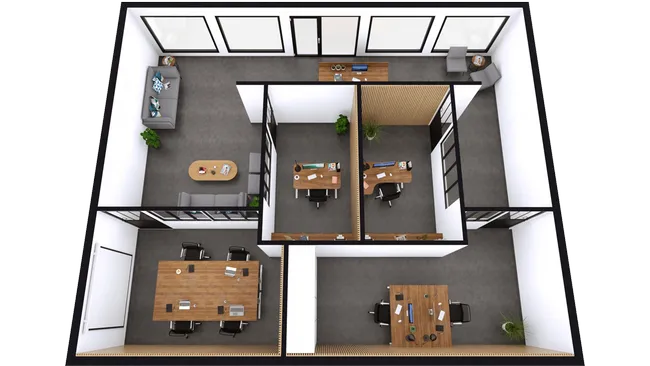
3D Floor Plans for Commercial Space Planning
The best commercial interior design software lets you create 3D floor plans.
These show the space in 3D along with colors, fixtures, and materials so it’s easier for you and your clients to make design decisions.
- Instant 2D-to-3D: Cedreo builds a live 3D view as you design.
- Early issue spotting: Tight turns, awkward queues, and blocked sight lines stand out before buildout starts.
- Fast design variations: Swap finishes, adjust materials, or move fixtures around to quickly compare design options.
- Commercial-ready 3D library: Add business-specific 3D objects for stores, restaurants, spas, pharmacies, offices, and more.
Interior & Exterior 3D Renderings
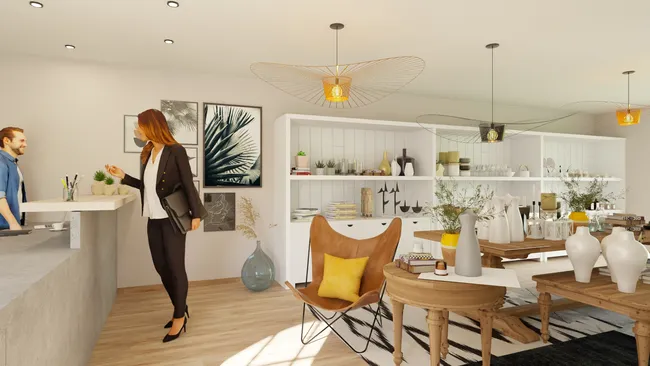
Photorealistic renderings help stakeholders visualize your ideas fast, so buy-in is easier.
They also create a connection to the space, which helps clients say “yes” sooner.
- High-detail renderings: Show accurate textures, lighting, shadows, and reflections so every stakeholder can see what the business will really look like.
- Before-and-after views: Compare existing spaces to the new design, which is ideal for remodels and updates to occupied locations.
- Real-world context: Import background images for realistic surroundings, then add accessories and people so the space feels active and in use.
Top Features of this Commercial Design Software
Cedreo combines advanced features with an easy learning path, so busy professionals can design, present, and move on to the next project.
Design all Types of Plans
Create electrical and site plans, plus cross-sections and exterior elevations, so every part of the project is covered.
Save Viewpoints for Comparison
Save camera views to compare space planning ideas and layout changes without losing your place.
Before and After Visuals
Show before-and-after options with saved views and interior design variations so clients can choose faster.
Branded Project Presentations
Combine 2D floor plans, 3D layouts, and renderings into branded documents that impress clients and help you land more deals.
World-Class Customer Support
Other programs give you user forums and contact forms. Cedreo gives you a dedicated success manager you can call, chat, or email for help so your projects keep moving forward.
Easy to Learn
Simple, yet powerful tools let busy interior designers, builders, and contractors create professional work quickly without months of training.
Examples of Commercial Spaces Created With Cedreo
Cedreo helps industry professionals design all kinds of commercial spaces, from the first floor plan to 2D and 3D visuals.
Here are a few common commercial projects you can create in the program:
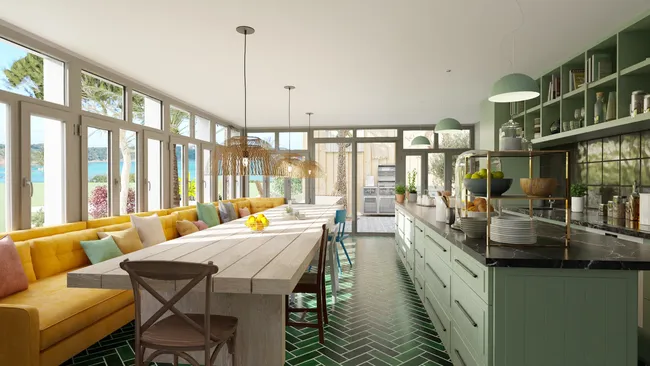
Restaurant
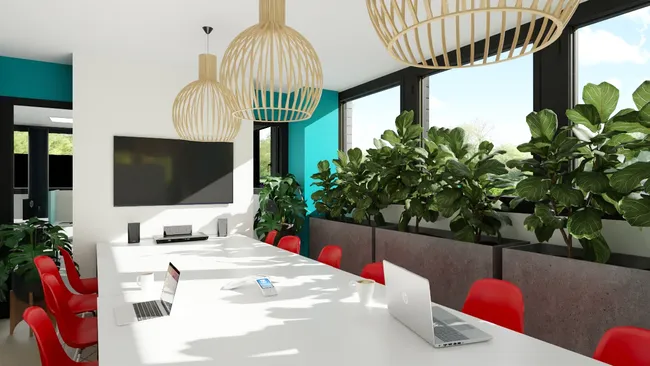
Office
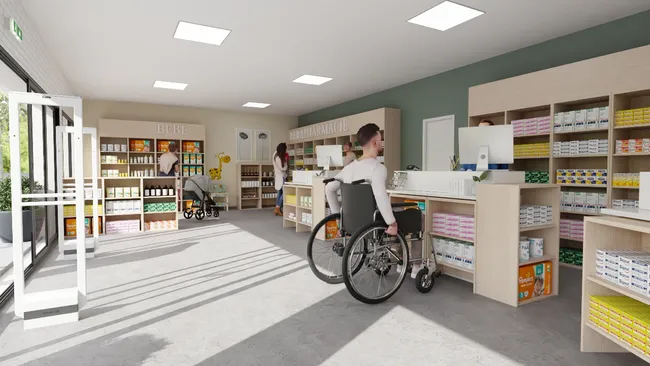
Pharmacy
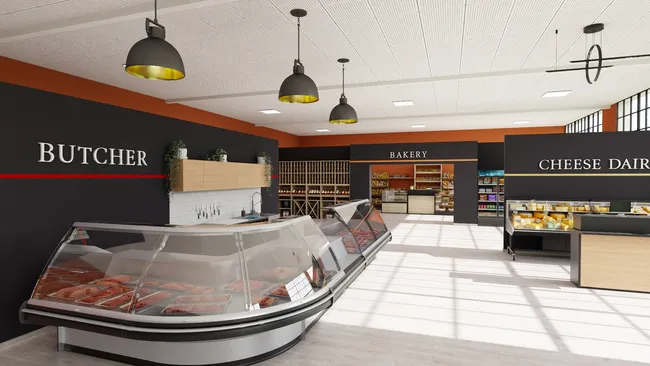
Grocery
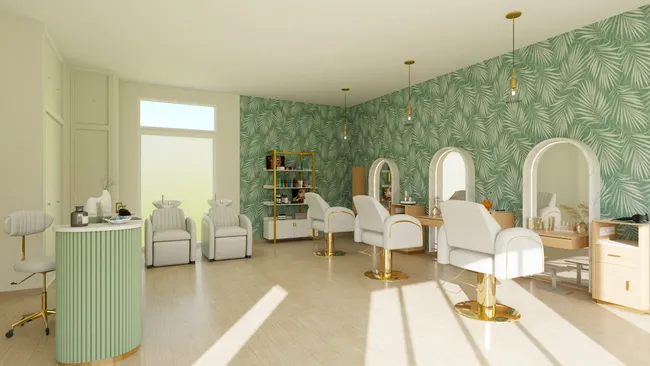
Hairdresser
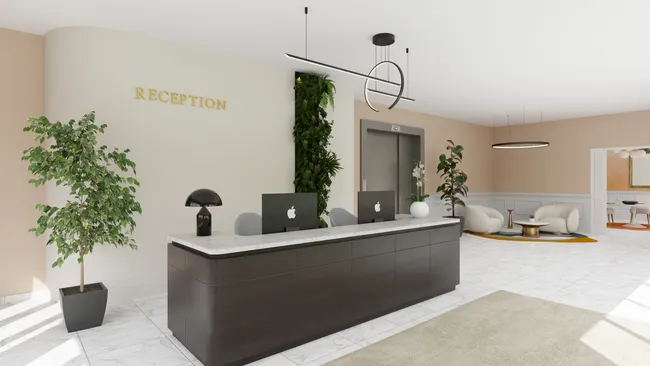
Hotel Lobby
Shop
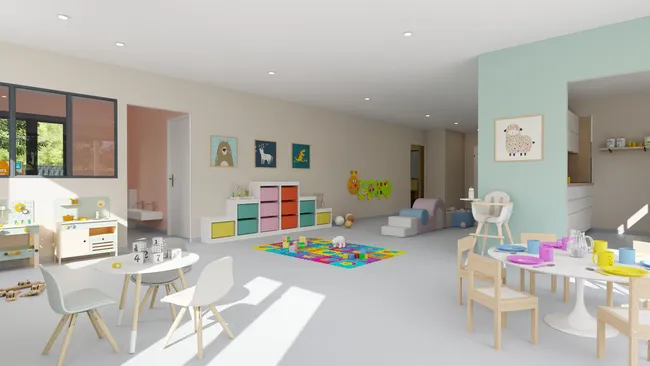
Nursery
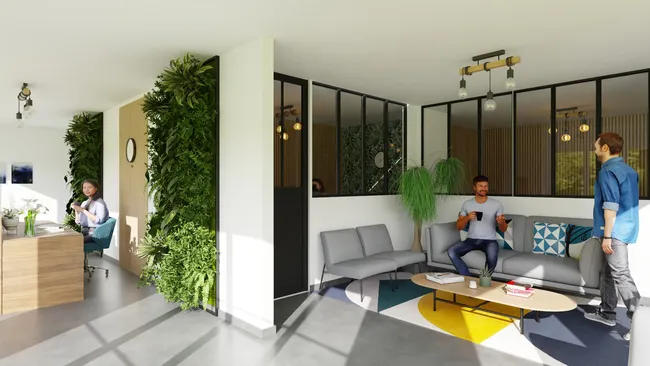
Real Estate Office
It’s easy to use.
But you can always count on Cedreo support.
For an even faster start, access tutorials and help articles.
Get tips to do more, faster.
“This software is easy to use and offers me the ability to let customers see their finished product before it is built. Many customers have a hard time visualizing typical construction plans. The 3D view let our customers get a true feeling of the finished product they will be getting.”
FAQ
Commercial design software is a program with specific tools for planning commercial spaces, starting with a clear floor plan.
It helps you create 2D and 3D interior design layouts with symbols and objects specifically designed for commercial spaces.
Yes, Cedreo supports residential and commercial projects, so home builders, contractors, and interior design professionals can keep one workflow.
Most professionals can learn the basics quickly with programs like Cedreo, because it uses simple drag-and-drop tools instead of complex commands and CAD or BIM workflows.
Cedreo makes it even easier with 1-on-1 training, a dedicated success manager, and plenty of tutorials.
Not if you choose cloud-based software like Cedreo.
It runs in a web browser on Mac or Windows, so you can design in 2D and 3D without a high-end workstation.
You can design many commercial interior design layouts, including restaurants, offices, pharmacies, hotels, childcare spaces, facilities, and retail stores.
You can also plan business exteriors like storefronts, entrances, patios, parking areas, drive-thru lanes, and loading zones.
Software like Cedreo includes a large 3D library of furniture, fixtures, and decor, for offices, stores, restaurants, hotels, spas, beauty salons, and more.
Cedreo gives you the tools to make a variety of 2D architectural plans, 3D floor plans, and photorealistic renderings, plus branded presentation documents.
The plans you place in those documents can update automatically when the design changes, so your client presentations stay current.
The best commercial design software is cost-effective and gives you powerful tools that stay easy to use, so you save time on every project.
That’s why more architects, builders, contractors, and designers choose Cedreo for accurate 2D plans, realistic 3D visuals, and an efficient workflow.