Project Presentation Documents
Design and customize project presentation documents while saving time during preliminary design phases.
Clear Presentations that Showcase your Projects
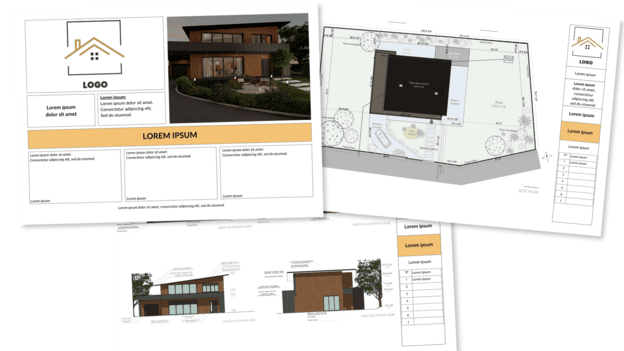
Use Cedreo to generate all types of presentation documents from your floor plans and 3D renderings. These clear, visual packages highlight each project and make communication easier with clients and other stakeholders. These fully customizable presentations strengthen your brand and make it easier to land more clients.
Maximize your Efficiency
Manage all your graphics (floor plans, sections & elevations, site plans, roof plans, 3D visuals, and project presentations) in one place for better organization and huge time savings.
Ensure Information Accuracy
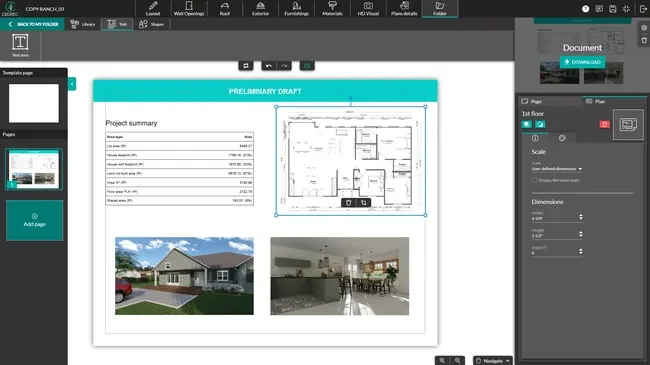
Whenever you update plans or finishes in the project, the graphics you’ve inserted in your presentation documents refresh automatically. There’s no need to replace them manually so you avoid errors and keep every presentation up to date.
Create On-brand Presentations
Import your company logo, colors, graphics, and photos. Add custom annotations and adjust layouts to create high‑quality project presentations.
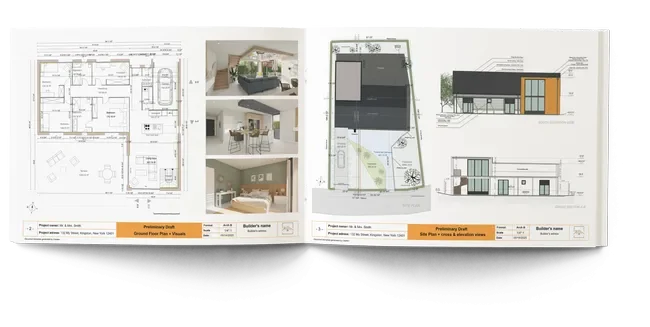

“Document layout is super easy. Once we’ve created the basic design, it’s easy to import our images and plans, which saves us a lot of time.”
Create All your Graphics and Documents with One Software
Cedreo is an all‑in‑one platform with everything you need to generate both project graphics and presentation documents. No more juggling multiple programs.
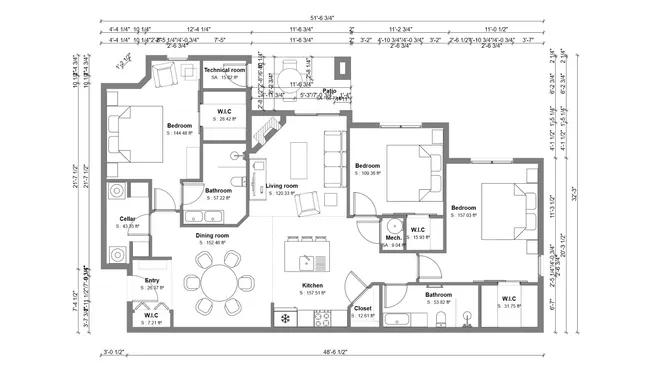
2D Floor Plans
Generate to‑scale 2D plans with all labels, symbols, and dimensions.
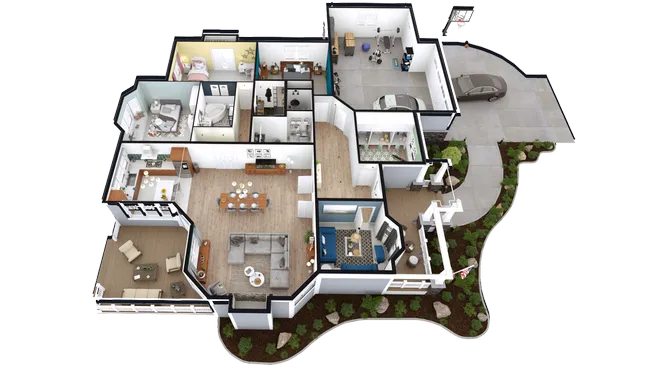
3D Floor Plans
Generate 3D floor plans to visualize the entire project with furnishings and finishes.
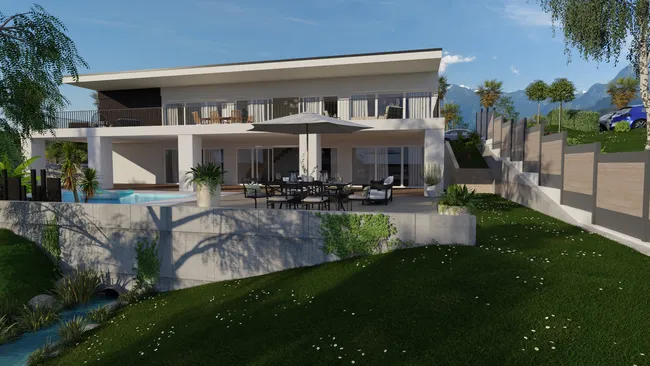
3D Renderings
Give clients confidence in their decisions with realistic 3D images.
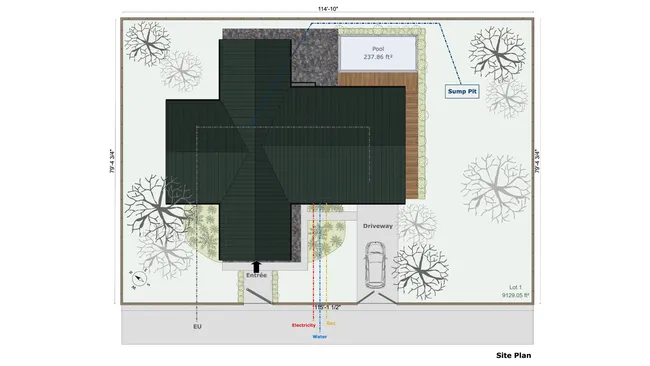
Site Plans
Create clear, accurate site plans that communicate layout, access, and context.
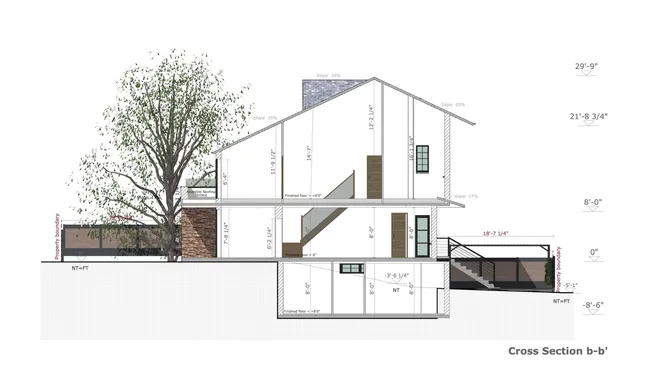
Sections & Elevations
Automatically create sections and elevations, then add annotations and dimensions.
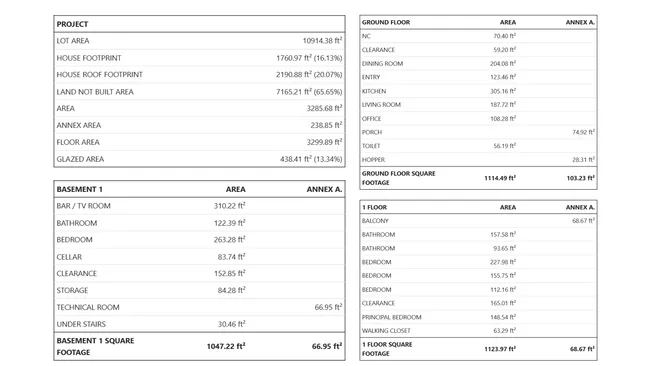
Surface Area Tables
Automatically generate tables for living areas, usable areas, and floor area.
It’s easy to use.
But you can always count on Cedreo support.
For an even faster start, access tutorials and help articles.
Get tips to do more, faster.
The All‑in‑one Solution for Conceptual Designs
Builders and project managers: plan and manage your new home or renovation projects from A to Z with Cedreo.
Floor Plans
Generate the technical plans you need for each phase of your new build or renovation project.
Site Plans
Transform natural grade into finished grade by integrating topographic constraints and building placement.
3D Visualization
Help clients picture the result with fully furnished interior and exterior 3D renderings.
FAQ
Can I create different types of presentation documents with Cedreo?
Yes. You can create as many documents as you need for a single project and tailor the content of each one to your clients and their expectations.
Does Cedreo let me customize presentation documents with my logo and business information?
Absolutely. Import your logo and adjust text colors to align each presentation with your brand guidelines.
If I edit my project, do I need to re‑import plans into my presentation document?
No. Cedreo handles that for you and automatically updates any plans you’ve inserted when you make changes to the design.